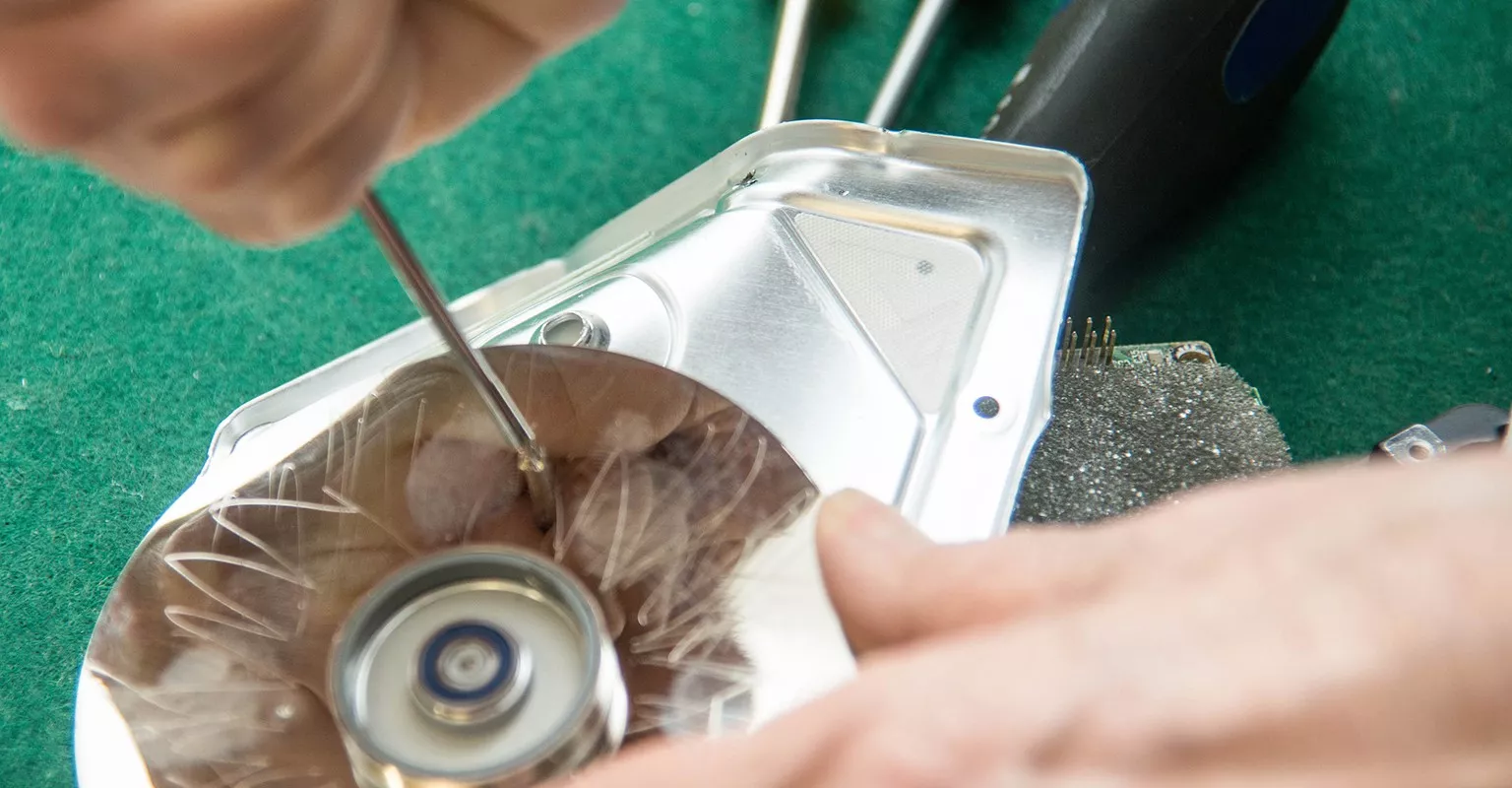
Find a hard drive repair in your area

Find a hard drive repair in your area

Find a hard drive repair in your area

Confirm your location to see quality pros near you.

Zip code

Hard drive repairs near you

Top pros for your project

These pros consistently receive high praise in customer reviews.These popular pros are highly sought after for their quality and expertise.These pros recognize that your time is important, and are the fastest to respond to requests.These highly recommended pros are experts, ready to help with your project.

These pros consistently receive high praise in customer reviews.These popular pros are highly sought after for their quality and expertise.These pros recognize that your time is important, and are the fastest to respond to requests.These highly recommended pros are experts, ready to help with your project.

Filters
Select a service
Avatar for Vande PC Repair
Vande PC Repair
Vande PC Repair

5.0

(1)

5.0

(1)

Computer Repair

Online now

Custom PC Builds, Upgrades, and Diagnostics — Gaming, Workstations, and Media Rigs What I Do • Custom Builds: Tailored systems for gaming, video editing, 3D/CAD, streaming, and silent/compact rigs. • Upgrades & Optimization: CPUs, GPUs, RAM, storage, PSUs, cooling, cable management, airflow tuning. • Diagnostics & Repair: No-POST, BSODs, thermal throttling, boot loops, failing drives, driver conflicts. • Software Setup: Clean OS installs, driver/BIOS updates, RAID, overclock/undervolt, stability testing. • Data & Config: Data migration, backup plans, partitioning, disk health checks (SMART), recovery options. • Performance Tuning: Benchmarks, thermals, noise, game settings profiles, workflow presets. Why Me • Years of hands-on PC building and troubleshooting across consumer and pro workflows. • Efficient, transparent process with parts lists, rationale, and before/after benchmarks. • Budget-first approach: best performance per dollar with reliable, well-reviewed parts. Process 1) Quick consult: use case, budget, form factor, noise/thermals, aesthetics. 2) Parts list: 1–2 curated options with compatibility check and upgrade path. 3) Build/upgrade: careful assembly, cable management, BIOS/firmware updates. 4) Stress test: CPU/GPU/memory, thermals, stability, and performance baselines. 5) Handoff: profiles, documentation, and simple maintenance tips. Sample Packages • Budget Gaming (1080p/1440p), Silent Workstation (photo/dev), Pro Video Editing (4K/RAW, fast scratch), Compact ITX builds, Streaming setups with dual-PC or NVENC workflows. Add-Ons • RGB/Aesthetic tuning, custom fan curves, Windows debloat profiles, VR-ready checks, Linux dual-boot. Call to Action Tell me: • Your primary use case(s) • Target resolution/refresh or workflow (e.g., 4K timeline, Blender cycles) • Budget range and region (for part availability/prices) • Any parts to reuse and preferred case size/style If you want, drop those details here and I’ll draft a complete, compatible parts list with prices and a build plan, or we can troubleshoot a current issue step by step.See more
Contact for price
Custom PC Builds, Upgrades, and Diagnostics — Gaming, Workstations, and Media Rigs What I Do • Custom Builds: Tailored systems for gaming, video editing, 3D/CAD, streaming, and silent/compact rigs. • Upgrades & Optimization: CPUs, GPUs, RAM, storage, PSUs, cooling, cable management, airflow tuning. • Diagnostics & Repair: No-POST, BSODs, thermal throttling, boot loops, failing drives, driver conflicts. • Software Setup: Clean OS installs, driver/BIOS updates, RAID, overclock/undervolt, stability testing. • Data & Config: Data migration, backup plans, partitioning, disk health checks (SMART), recovery options. • Performance Tuning: Benchmarks, thermals, noise, game settings profiles, workflow presets. Why Me • Years of hands-on PC building and troubleshooting across consumer and pro workflows. • Efficient, transparent process with parts lists, rationale, and before/after benchmarks. • Budget-first approach: best performance per dollar with reliable, well-reviewed parts. Process 1) Quick consult: use case, budget, form factor, noise/thermals, aesthetics. 2) Parts list: 1–2 curated options with compatibility check and upgrade path. 3) Build/upgrade: careful assembly, cable management, BIOS/firmware updates. 4) Stress test: CPU/GPU/memory, thermals, stability, and performance baselines. 5) Handoff: profiles, documentation, and simple maintenance tips. Sample Packages • Budget Gaming (1080p/1440p), Silent Workstation (photo/dev), Pro Video Editing (4K/RAW, fast scratch), Compact ITX builds, Streaming setups with dual-PC or NVENC workflows. Add-Ons • RGB/Aesthetic tuning, custom fan curves, Windows debloat profiles, VR-ready checks, Linux dual-boot. Call to Action Tell me: • Your primary use case(s) • Target resolution/refresh or workflow (e.g., 4K timeline, Blender cycles) • Budget range and region (for part availability/prices) • Any parts to reuse and preferred case size/style If you want, drop those details here and I’ll draft a complete, compatible parts list with prices and a build plan, or we can troubleshoot a current issue step by step.
Check out some related services

See what else pros on Thumbtack offer—these might help you find specialty services or related jobs.

FAQs

Answers to commonly asked questions from the experts on Thumbtack.

If your computer needs repairs, hire a technician who has experience with your computer’s model and brand. Ideally, the pro you choose should have certifications, training and/or a degree in a related field. 

Look for top-rated, qualified computer repair services in your area on Thumbtack.

It costs an average of $60 per hour for computer repair. Hourly rates range from $45-$50 on the low end and $85-$90 on the high end.

Get free cost estimates from computer repair specialists near you so you’ll know exactly how much you should expect to pay.

It depends. If the damage is severe, you might be better off buying a new computer than spending hundreds (or thousands) of dollars on repairs. Always get price quotes from a few computer repair services near you, and compare those estimates to desktop and laptop prices. If it's cheaper to fix your computer,  consider doing so. But if it's cheaper to buy a new device, that's probably your best option.

To determine if you should replace or repair your computer, consider the following:

  • Has your warranty expired?

  • Is your computer old and out of date?

  • Is the cost to fix your computer 50% or more of the cost of replacing it?

  • Before it broke, was your computer working slowly and inefficiently?

If you answered yes to any of these questions, it’s probably time to replace your computer. When in doubt, consult a technician for their expert opinion.

Buying a new hard drive is almost always cheaper than buying a new computer. If you suspect you need to upgrade or replace your hard drive, ask a computer technician to diagnose your device (and request a cost estimate if the culprit is indeed the hard drive).

There are 63 five star hard drive repairs in Columbus, Ohio on Thumbtack.

Why hire professionals on Thumbtack?
Free to use

You never pay to use Thumbtack: Get cost estimates, contact pros, and even book the job—all for no cost.

Compare prices side-by-side

You’ll know how much your project costs even before booking a pro.

Hire with confidence

With access to 1M+ customer reviews and the pros’ work history, you’ll have all the info you need to make a hire.