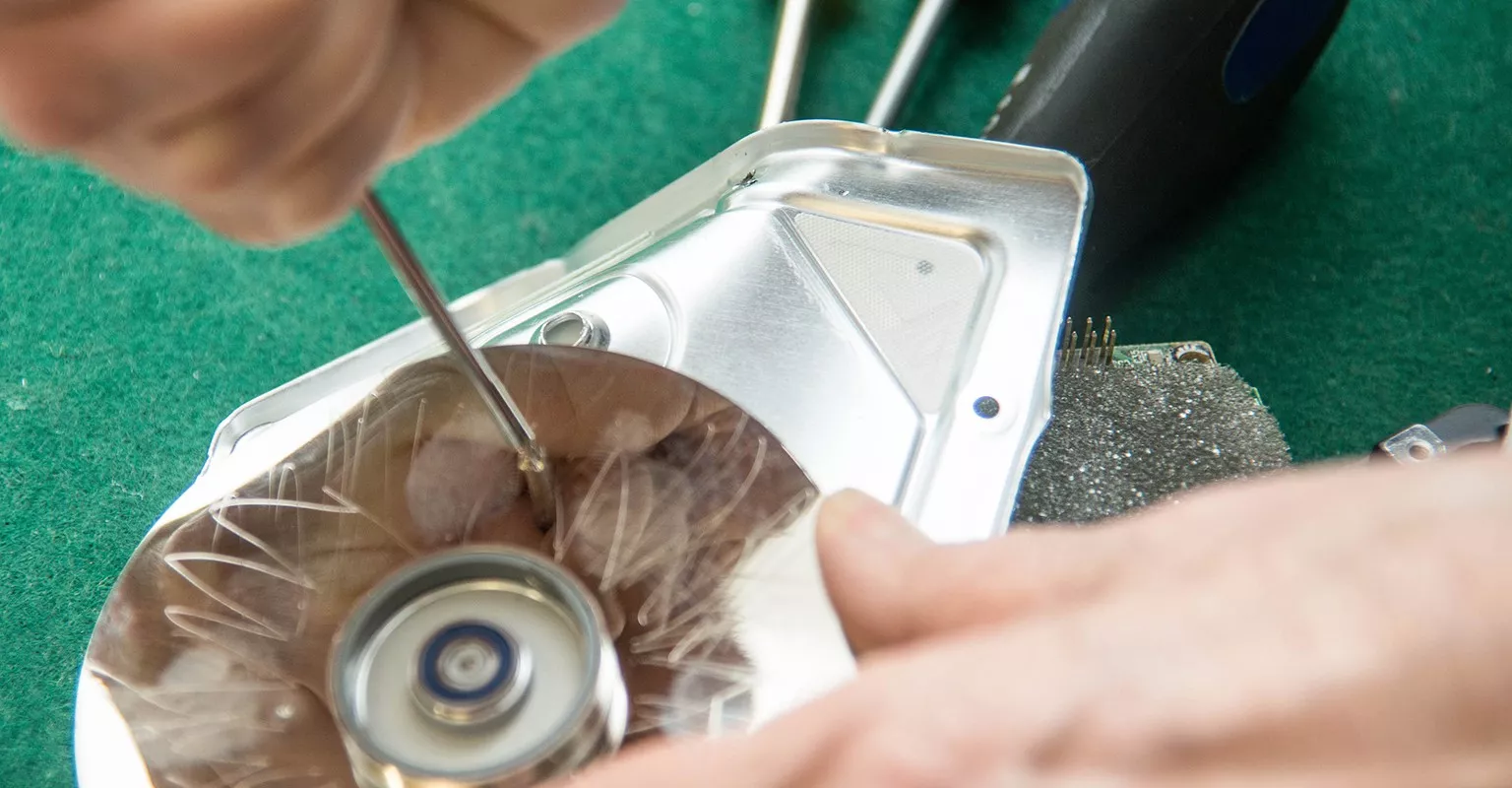
Find a hard drive repair in your area

Find a hard drive repair in your area

Find a hard drive repair in your area

Confirm your location to see quality pros near you.

Zip code

Hard drive repairs near Seattle, WA

Top pros for your project

These pros consistently receive high praise in customer reviews.These popular pros are highly sought after for their quality and expertise.These pros recognize that your time is important, and are the fastest to respond to requests.These highly recommended pros are experts, ready to help with your project.

These pros consistently receive high praise in customer reviews.These popular pros are highly sought after for their quality and expertise.These pros recognize that your time is important, and are the fastest to respond to requests.These highly recommended pros are experts, ready to help with your project.

Filters
Select a service
Avatar for MicroSec®
MicroSec®
MicroSec®

Top Pro

Exceptional 5.0

(1984)

Exceptional 5.0

(1984)

Computer Repair

In high demand
  • 2382 hires on Thumbtack
  • Serves Seattle, WA
  • 2382 hires on Thumbtack
  • Serves Seattle, WA

Online now

Chris W. says, "I was honestly overwhelmed after replacing my network with a new ASUS router. The Wi-Fi itself was working, but none of my crypto miners were connecting properly anymore, and I had no idea what DHCP, subnets, or IP conflicts really meant. I thought the miners or router were defective. MicroSec handled the entire issue remotely and diagnosed it incredibly fast. They remotely checked my network configuration using command-line diagnostics like ipconfig and arp -a, and immediately identified that my new ASUS router was using the default 192.x.x.x subnet while all of my miners were still configured on the older 192.x.x.x subnet from the previous router. They guided me step-by-step into the ASUS router settings, specifically under LAN → LAN IP, and changed the router’s LAN address. What impressed me most was that they didn’t stop there. They verified the repair using network-level diagnostics, confirmed the miners were reachable through ARP responses, identified my security system separately on the network, and then verified every miner was hashing properly again through the mining management software. All temperatures, hashboards, and hashrates came back online perfectly. This was not basic “restart the router” support. They genuinely understood advanced networking, DHCP behavior, subnet architecture, static IP conflicts, and remote diagnostics at a very high level. The entire issue was solved remotely without anyone needing to come onsite. MicroSec turned something that felt impossible to me into a clean, organized fix. Their remote IT support is on another level, especially for networking and technical troubleshooting. Highly recommended!!!!"See more

$70

Starting price

$70

Starting price

Chris W. says, "I was honestly overwhelmed after replacing my network with a new ASUS router. The Wi-Fi itself was working, but none of my crypto miners were connecting properly anymore, and I had no idea what DHCP, subnets, or IP conflicts really meant. I thought the miners or router were defective. MicroSec handled the entire issue remotely and diagnosed it incredibly fast. They remotely checked my network configuration using command-line diagnostics like ipconfig and arp -a, and immediately identified that my new ASUS router was using the default 192.x.x.x subnet while all of my miners were still configured on the older 192.x.x.x subnet from the previous router. They guided me step-by-step into the ASUS router settings, specifically under LAN → LAN IP, and changed the router’s LAN address. What impressed me most was that they didn’t stop there. They verified the repair using network-level diagnostics, confirmed the miners were reachable through ARP responses, identified my security system separately on the network, and then verified every miner was hashing properly again through the mining management software. All temperatures, hashboards, and hashrates came back online perfectly. This was not basic “restart the router” support. They genuinely understood advanced networking, DHCP behavior, subnet architecture, static IP conflicts, and remote diagnostics at a very high level. The entire issue was solved remotely without anyone needing to come onsite. MicroSec turned something that felt impossible to me into a clean, organized fix. Their remote IT support is on another level, especially for networking and technical troubleshooting. Highly recommended!!!!"
Avatar for SalvageData Recovery Services Seattle WA
SalvageData Recovery Services Seattle WA
New on Thumbtack
New on Thumbtack

Data Recovery Service

  • 1 hire on Thumbtack
  • Serves Seattle, WA
  • 1 hire on Thumbtack
  • Serves Seattle, WA
SALVAGEDATA is a critical data recovery service lab specializing in the salvaging of data/ files for individuals & businesses from hard disk drives, RAID arrays, NAS, SAN, USB flash and other electronic data storage devices that have failed, stopped working. We support and help people and businesses that have suffered data loss due to file system corruption, data corruption or accidental file deletion/reformatting. Our staff of engineers has specialized expertise & experience in the field of data recovery. We use specialized proprietary equipment & technology to salvage data from devices that other companies may not be able to recover. Our relentless research and development program paves the way for new standard industry tools and techniques. We also have one of the largest and most advanced ISO 14644-1 class 5 data recovery purposed environments in the US.See more
Contact for price
SALVAGEDATA is a critical data recovery service lab specializing in the salvaging of data/ files for individuals & businesses from hard disk drives, RAID arrays, NAS, SAN, USB flash and other electronic data storage devices that have failed, stopped working. We support and help people and businesses that have suffered data loss due to file system corruption, data corruption or accidental file deletion/reformatting. Our staff of engineers has specialized expertise & experience in the field of data recovery. We use specialized proprietary equipment & technology to salvage data from devices that other companies may not be able to recover. Our relentless research and development program paves the way for new standard industry tools and techniques. We also have one of the largest and most advanced ISO 14644-1 class 5 data recovery purposed environments in the US.
Avatar for Brain Capital AI Services
Brain Capital AI Services

Top Pro

Exceptional 5.0

(26)

Exceptional 5.0

(26)

Computer Repair

  • 43 hires on Thumbtack
  • Serves Seattle, WA
  • 43 hires on Thumbtack
  • Serves Seattle, WA
Louise R. says, "I have an Alienware m17 R3 gaming laptop. I play Elder Scrolls Online, use Photoshop and do vector art with this laptop. It started having problems while gaming. It would crash with an error message. I did some troubleshooting but was not able to solve the problem. I kept having crashes in game and started having them when I was using other software. Then Windows update was not working, I did more troubleshooting including a soft reset of Windows and then two full Windows resets. Finally the laptop just kept crashing. I was told about Thumbtack by a friend and found Brain Capital AI Services. I took my laptop to them. Abhi was able to solve the problems, bring my laptop back to good condition and set it up so I can enjoy my game and interests. Thank you Abhi! I highly recommend Brain Capital AI Services and Abhi for computer repair."See more

$95

Starting price

$95

Starting price

Louise R. says, "I have an Alienware m17 R3 gaming laptop. I play Elder Scrolls Online, use Photoshop and do vector art with this laptop. It started having problems while gaming. It would crash with an error message. I did some troubleshooting but was not able to solve the problem. I kept having crashes in game and started having them when I was using other software. Then Windows update was not working, I did more troubleshooting including a soft reset of Windows and then two full Windows resets. Finally the laptop just kept crashing. I was told about Thumbtack by a friend and found Brain Capital AI Services. I took my laptop to them. Abhi was able to solve the problems, bring my laptop back to good condition and set it up so I can enjoy my game and interests. Thank you Abhi! I highly recommend Brain Capital AI Services and Abhi for computer repair."
Check out some related services

See what else pros on Thumbtack offer—these might help you find specialty services or related jobs.

FAQs

Answers to commonly asked questions from the experts on Thumbtack.

The cost to fix your computer or laptop will depend on the extent of the repair and the labor rates in your area. For example, a repair service may charge $100 to fix virus or malware issues or $320 to fix a cracked or damaged screen. On average, computer repair technicians charge $60/hour for their services. However, hourly rates can range from $45-$90

To find out exactly how much it will cost to fix your desktop, laptop, Apple or PC computer, request cost estimates from computer repair specialists near you.

It costs an average of $60 per hour for computer repair. Hourly rates range from $45-$50 on the low end and $85-$90 on the high end.

Get free cost estimates from computer repair specialists near you so you’ll know exactly how much you should expect to pay.

If your computer needs repairs, hire a technician who has experience with your computer’s model and brand. Ideally, the pro you choose should have certifications, training and/or a degree in a related field. 

Look for top-rated, qualified computer repair services in your area on Thumbtack.

It depends. If the damage is severe, you might be better off buying a new computer than spending hundreds (or thousands) of dollars on repairs. Always get price quotes from a few computer repair services near you, and compare those estimates to desktop and laptop prices. If it's cheaper to fix your computer,  consider doing so. But if it's cheaper to buy a new device, that's probably your best option.

Before you send your computer to a technician to fix it, take the following precautions:

  • Make sure you hire a reputable, top-rated professional to handle the repairs. Look at past photos of work they’ve completed and read their customer reviews on Thumbtack.
  • Back-up your data. To ensure you don’t lose the data on your computer, back-up your files to an external hard drive. 
  • Ensure you have access to important information. If you need to access certain files or information from your computer, make sure you can access that information through a cloud storage system or external drive. 
  • Erase sensitive information. If you have files (documents, photos, etc.) that contain sensitive information about your finances, accounts, passwords, etc., delete them before you bring your computer to a repair shop. 
  • Log out of your accounts. Make sure you’re logged out of your bank, social media and other accounts.

Buying a new hard drive is almost always cheaper than buying a new computer. If you suspect you need to upgrade or replace your hard drive, ask a computer technician to diagnose your device (and request a cost estimate if the culprit is indeed the hard drive).

Depending on its quality, age, condition and maintenance, a laptop may last only a few years or up to seven years. Of course, your laptop may last longer or shorter depending on how well you take care of it. If you think your laptop needs repairs, don’t procrastinate — hire a technician to look at it before the damage becomes irreparable.

If your laptop’s motherboard was damaged by physical impact, liquid, heat or electrical damage, you may need to replace it or buy a new computer. You should consult computer repair experts near you to determine if replacing your laptop’s motherboard is worth the cost. Compare the price quotes you receive with new laptop prices, and decide which option is the most cost-effective.

To determine if you should replace or repair your computer, consider the following:

  • Has your warranty expired?
  • Is your computer old and out of date?
  • Is the cost to fix your computer 50% or more of the cost of replacing it?
  • Before it broke, was your computer working slowly and inefficiently?

If you answered yes to any of these questions, it’s probably time to replace your computer. When in doubt, consult a technician for their expert opinion.
There are 122 five star hard drive repairs in Seattle, WA on Thumbtack.

Why hire professionals on Thumbtack?
Free to use

You never pay to use Thumbtack: Get cost estimates, contact pros, and even book the job—all for no cost.

Compare prices side-by-side

You’ll know how much your project costs even before booking a pro.

Hire with confidence

With access to 1M+ customer reviews and the pros’ work history, you’ll have all the info you need to make a hire.